
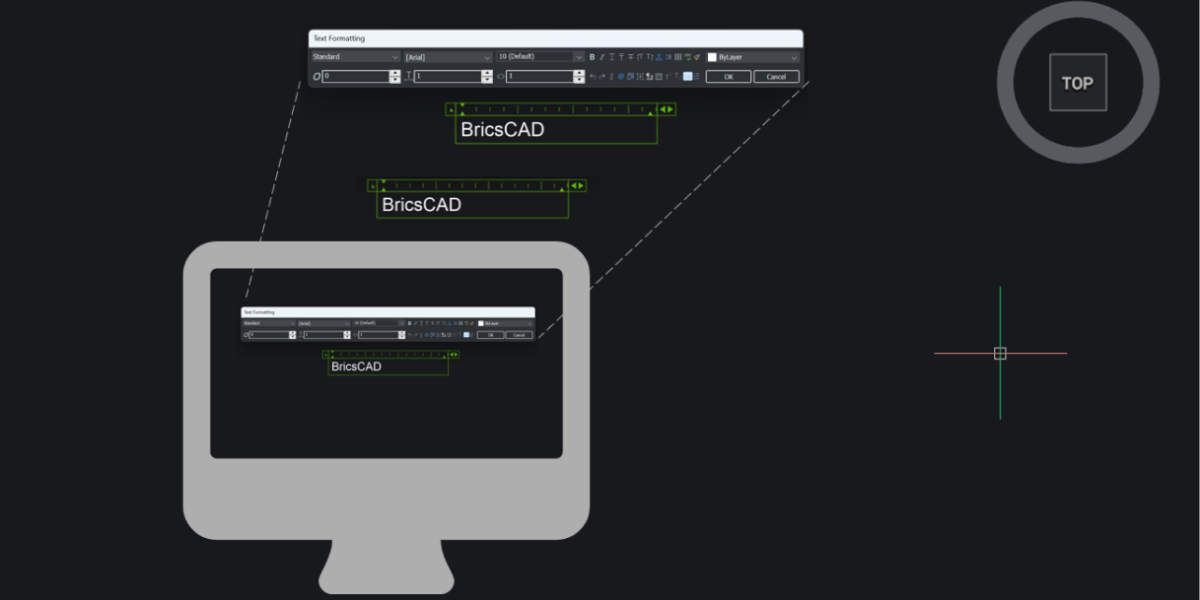
Already working in BricsCAD V25 or V25.2? You’re already on a strong foundation. But BricsCAD V26 adds speed, clarity, stability, and just enough smart automation to noticeably smooth out your daily work. To make this upgrade guide actually useful, we’ve organized it by who you are and how you use BricsCAD, so you can quickly see what matters for your workflow. For
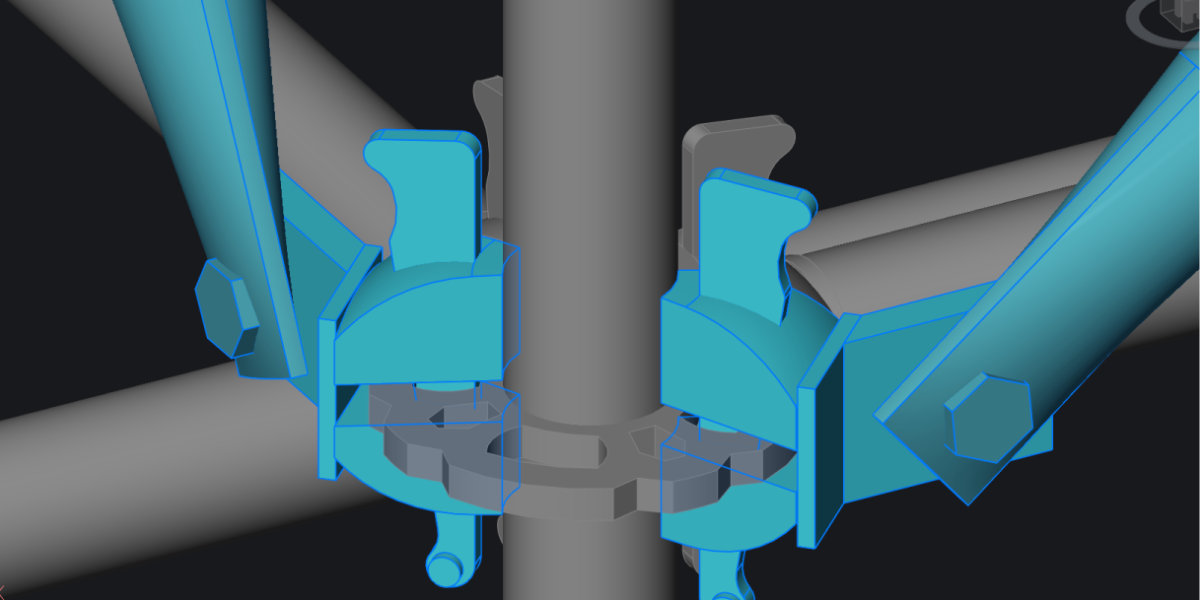
BricsCAD V26 brings a set of focused improvements for designers working across industries. The updates target the everyday work of design and documentation: block management, grip editing, section views, interference checking, annotations, and performance. If you’re drafting floor plans, designing equipment, documenting assemblies, or modeling products, these changes will make your workflow faster and less frustrating. The headline feature is
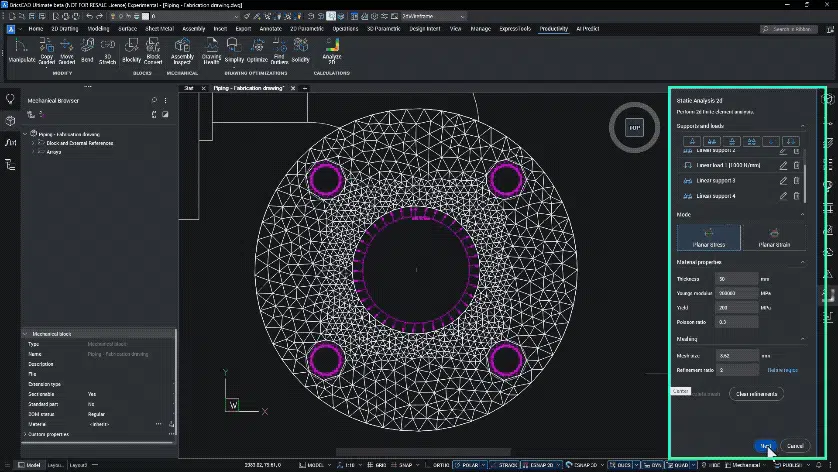
BricsCAD® V26 is here, bringing more than 60 new and enhanced features to help you move more quickly and efficiently from design to production. This release is about flow. Which means fewer clicks and delays, and more control while you’re drafting, modeling, fabricating, or surveying. No matter which version of BricsCAD you’re currently running, you’re in for a meaningful performance boost. From V22