
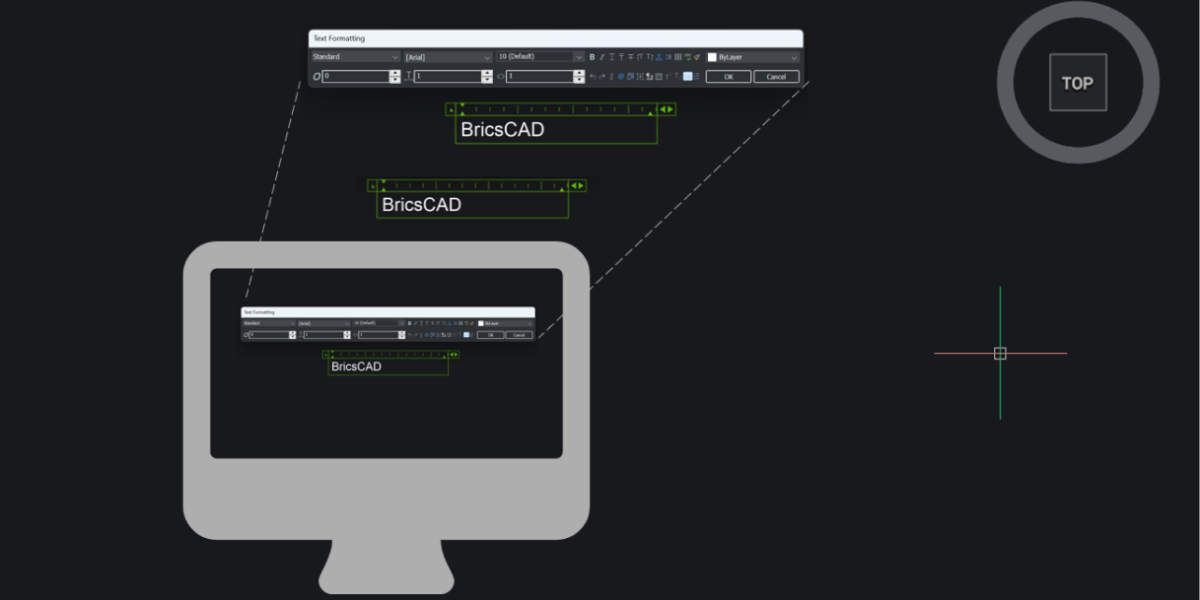
Already working in BricsCAD V25 or V25.2? You’re already on a strong foundation. But BricsCAD V26 adds speed, clarity, stability, and just enough smart automation to noticeably smooth out your daily work. To make this upgrade guide actually useful, we’ve organized it by who you are and how you use BricsCAD, so you can quickly see what matters for your workflow. For
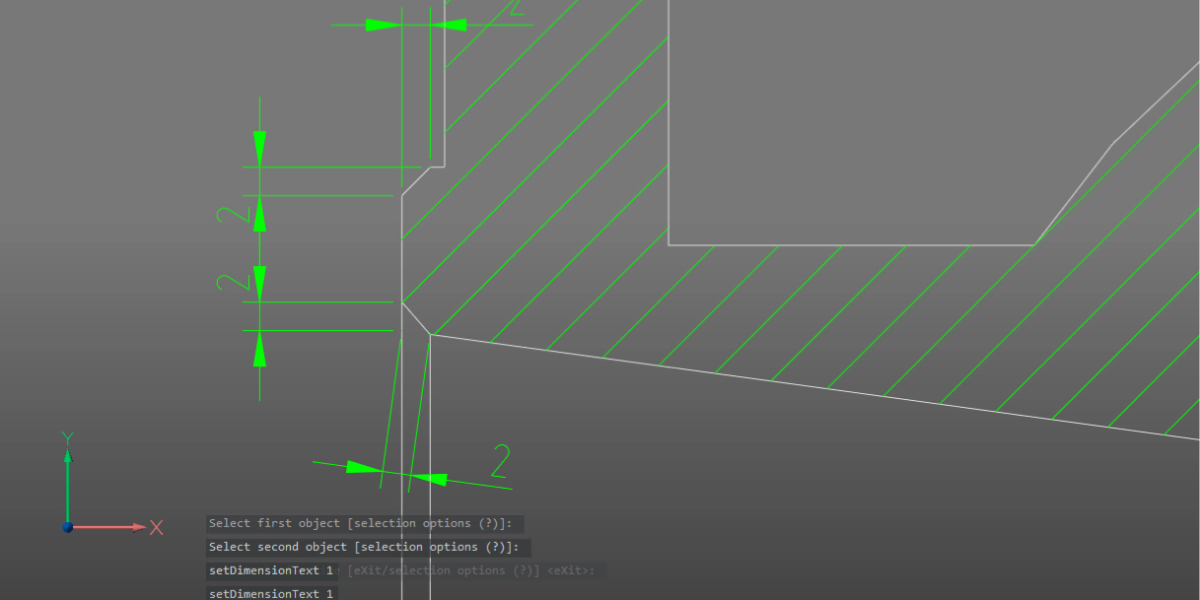
Manufacturing teams don’t struggle because they lack features. They struggle because design data doesn’t always survive the journey to production intact. Assemblies arrive from different systems. Models look correct, but behave unpredictably. Drawings can require manual cleanup that slows everything down. With the release of BricsCAD® V26, the focus is on strengthening the entire path from any design data to complete
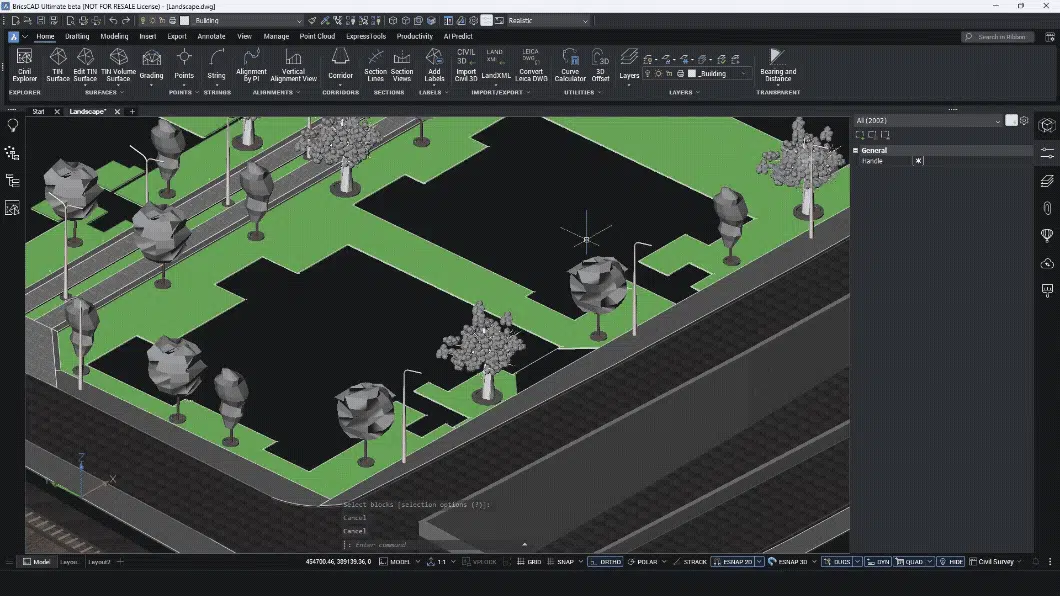
Most land surveyors do not work in one tool. You collect data in the field. You clean it somewhere else. You label it in another system. You prepare drawings in CAD. And when something changes, you repeat the process. Every handover costs time. Every export risks data loss. Every manual step creates errors. BricsCAD V26 and its Survey Toolset is designed
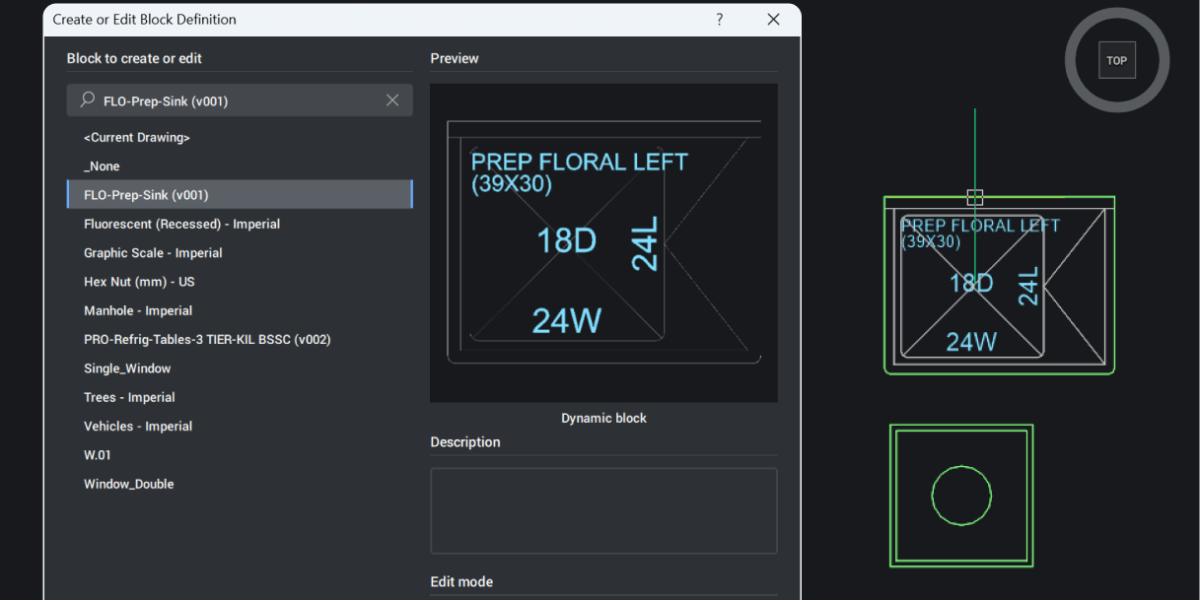
Dynamic blocks have always been a bit of a one-way street in BricsCAD. You could use them, stretch them, flip them, and switch their visibility states, but only if someone else had defined that behavior first. The moment you wanted to change the logic behind the block, you hit a wall. BricsCAD V26 removes that wall. It’s now possible to
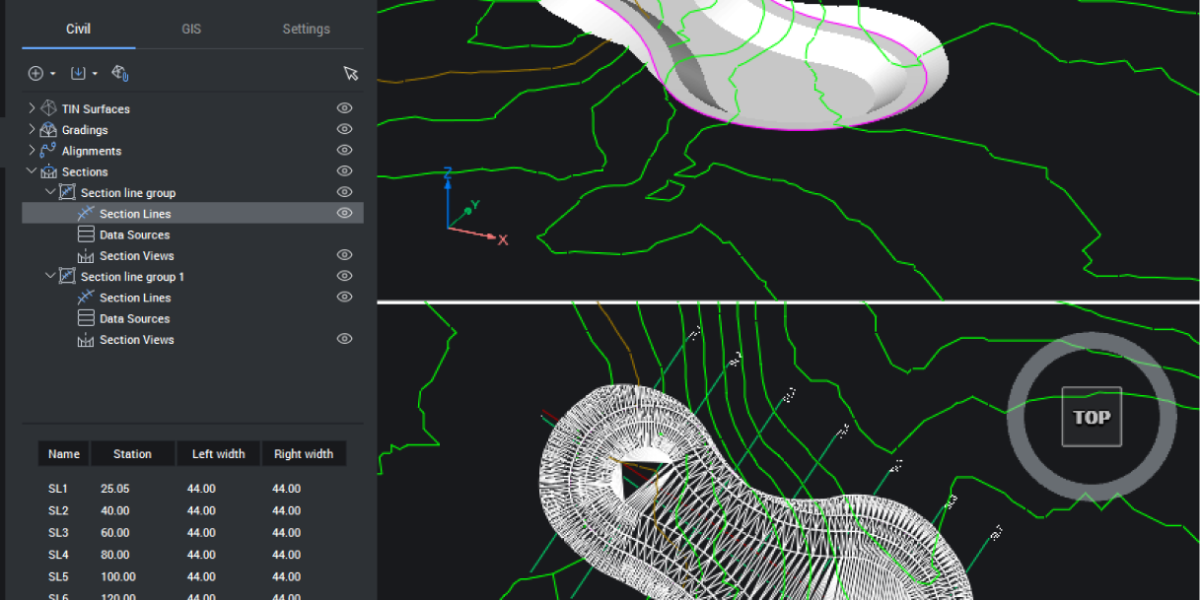
You can’t design confidently if you don’t understand the ground you’re building on. BricsCAD V26 introduces new tools that make it simple to cut through your model, visualize the terrain, and keep everything dynamic as your project evolves. Let’s explore how these tools work together and how they can work for you. Cut Through the Terrain With Ease Starting with your