

Connect BricsCAD with Autodesk® Vault® Pro and Bentley® ProjectWise® through Octave-built PLM/PDM connectors For engineering and design teams, CAD is but one part of a much larger workflow. Drawings need to be stored, managed, version-controlled, and shared across teams, projects, and systems. PLM/PDM connectivity is crucial. Octave-built connectors for BricsCAD help integrate BricsCAD with two widely used enterprise data-management systems:
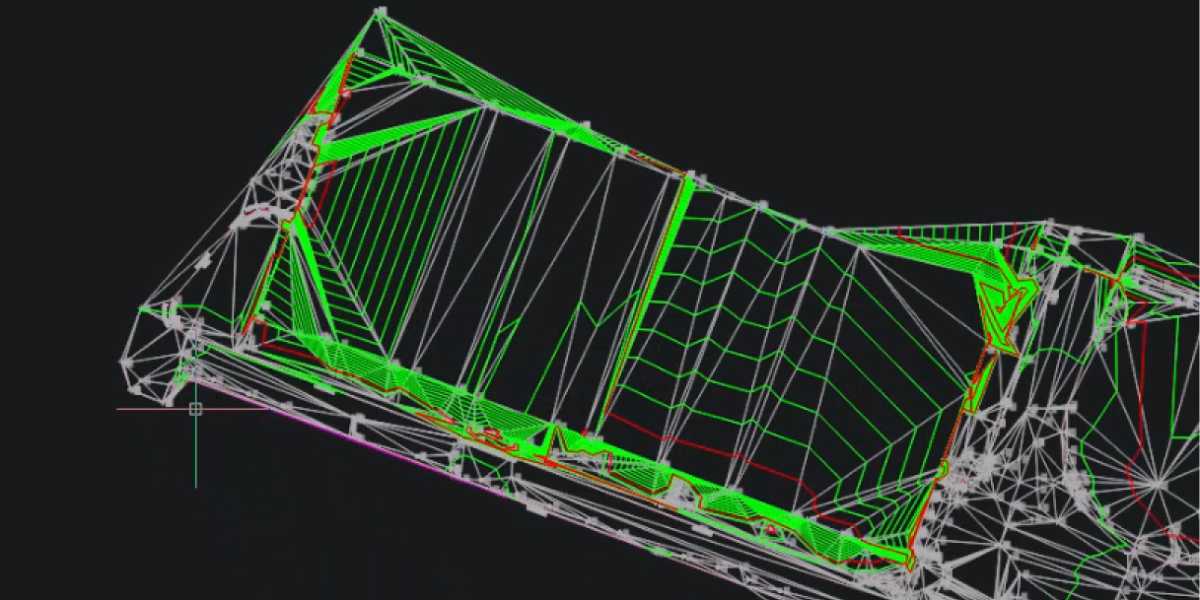
BricsCAD V26.2 includes 10 unique capabilities designed to reduce repetitive work, streamline complex tasks, and help you work more efficiently. Earlier this year, BricsCAD V26.2 expanded on the V26 release with new and enhanced capabilities for drafting, design, modeling, surveying, and working with project data. Ten of those capabilities are unique to BricsCAD. From AI-driven assistance and faster dimensioning to

Learn how to import, process, explore, and model point cloud data in BricsCAD A point cloud captures a significant amount of detail about an existing building, site, or structure. But having all that scan data is only useful if you know what to do with it. Before you can start tracing, modeling, or creating documentation, you need to prepare the
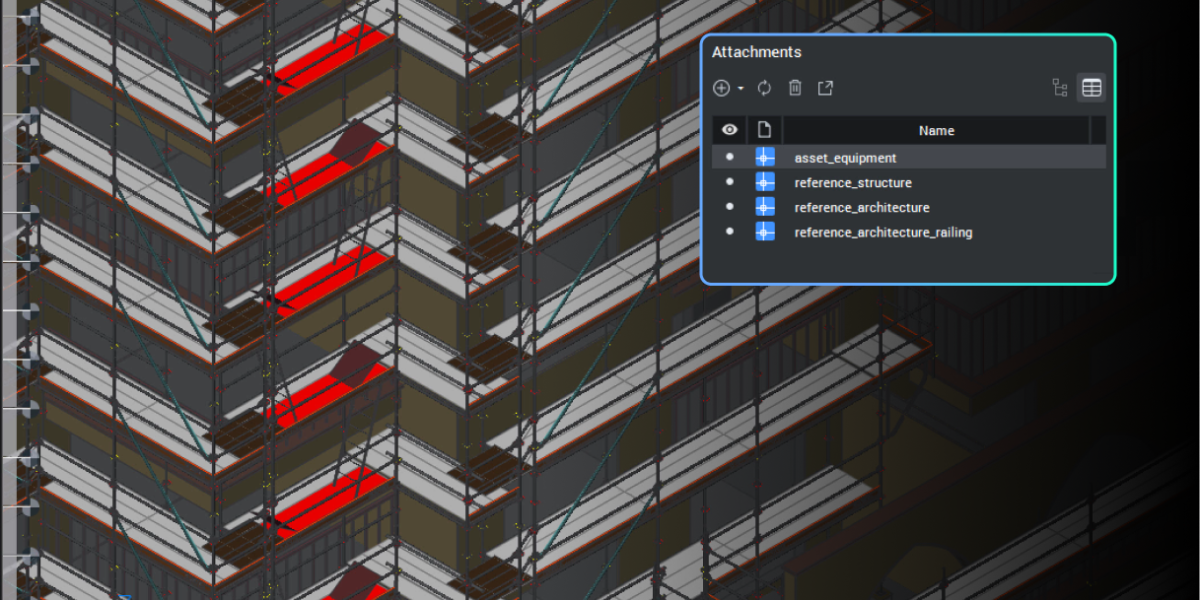
BIM adoption no longer has to be a bet-the-business decision. Octave BricsCAD’s BIM toolset lets firms meet BIM mandates on the DWG files and platform they already run, per seat, per job, without a platform switch. BIM requirements often arrive attached to a tender, rather than chosen as a strategy. For a firm that has drafted in 2D for years,
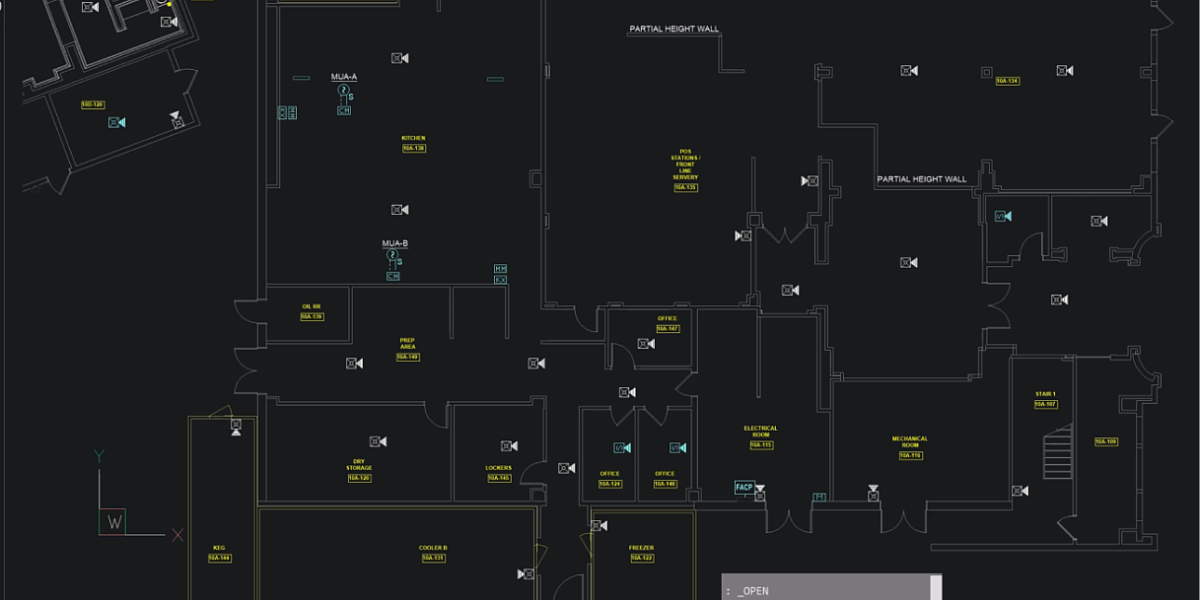
Octave BricsCAD V26 introduces several upgrades that streamline everyday 2D drafting, enabling you to complete drawings more efficiently BricsCAD V26 sharpens the 2D drafting experience. From the moment you launch it, you’ll notice a cleaner interface. And under the hood, there are 13 improvements built to cut clicks and help you deliver projects faster. Here’s a tour of what’s new
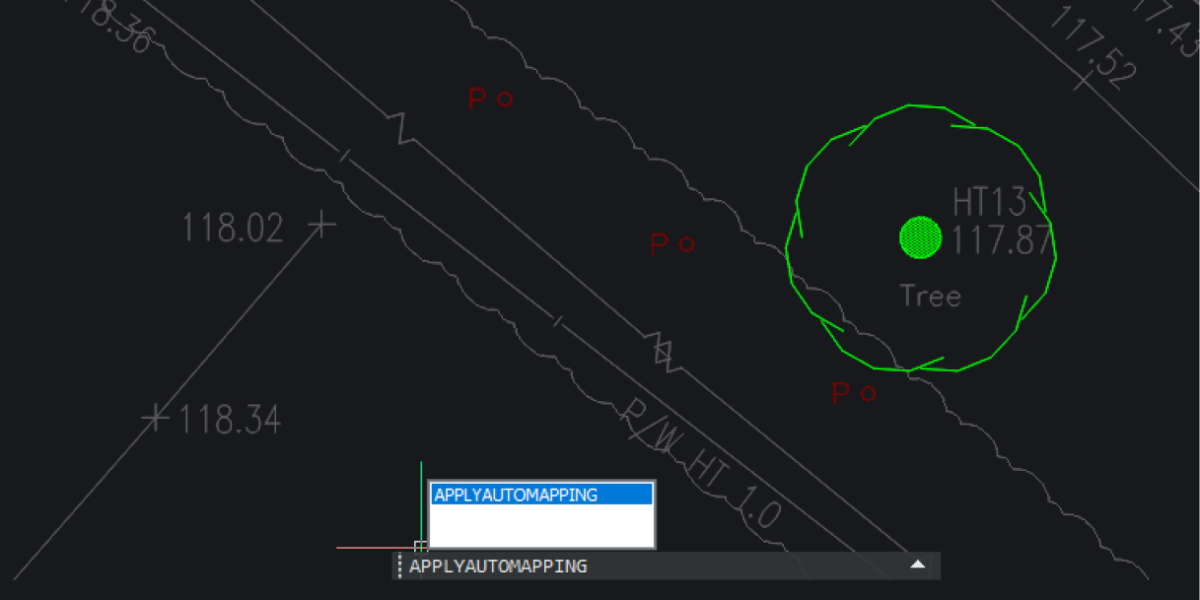
Octave BricsCAD’s land surveying tools take survey teams from raw field data to finished, standards-based drawings without leaving DWG. Survey teams rarely lose time in the field. They lose it afterward, turning raw observations into clean, coded, drawn-up deliverables, often in a high-cost CAD seat that might only be doing survey drafting and surface work. BricsCAD’s land surveying tools keep
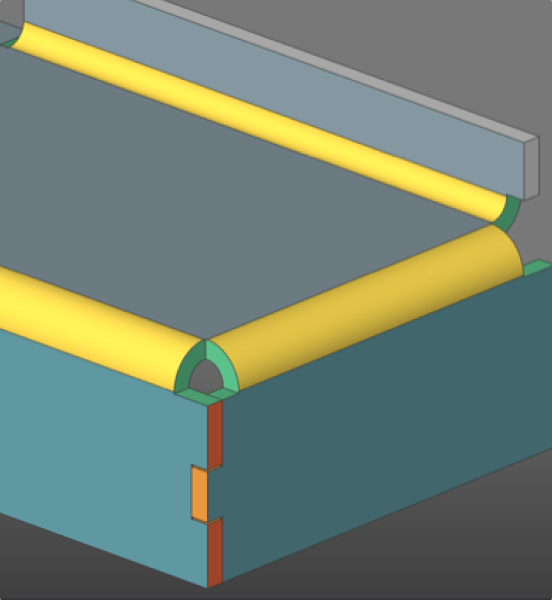
By The Octave BricsCAD Team6-3-2026 Find out how BricsCAD Mechanical helps manufacturing teams move into 3D without leaving their DWG workflows behind. Mechanical and manufacturing teams tend to run on DWG files and 2D drawings. Shifting over to an MCAD platform can mean higher costs, as well as greater complexity and disruption. BricsCAD Mechanical provides teams more capability without losing the tools
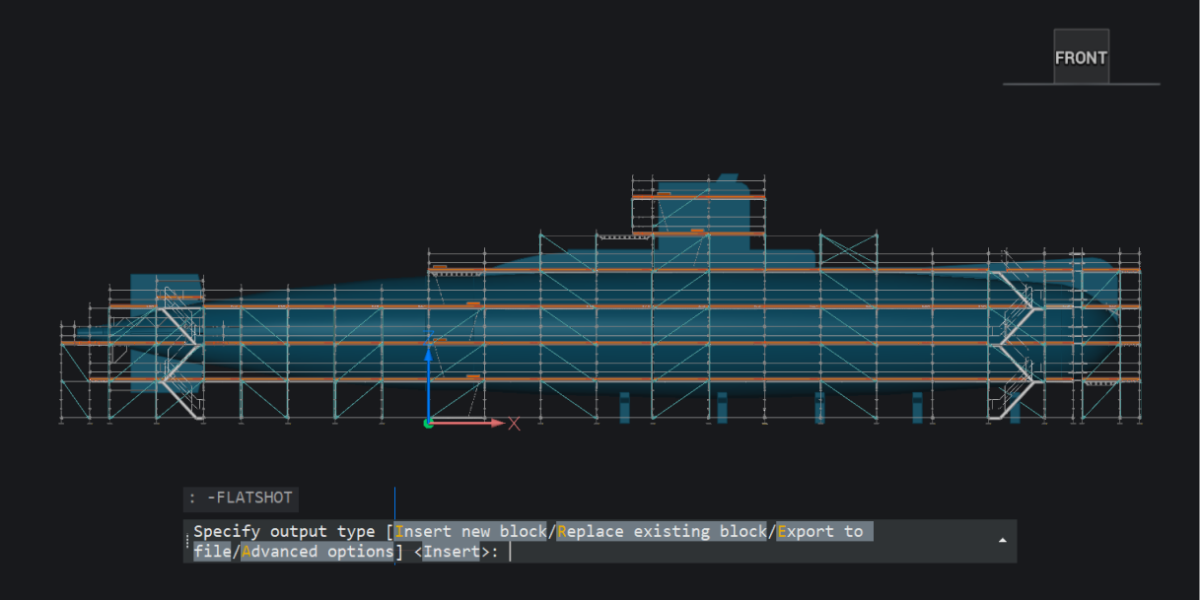
30 new and enhanced features for faster, smoother workflows across 2D, BIM, mechanical, and survey projects. With the release of BricsCAD V26.2, we introduced 30 new and enhanced features designed to improve your everyday CAD workflows. This update promises fewer repetitive steps, better access to your data, smoother interactions with the tools you already use, and more control. Whether you’re
Teams don’t always notice when their file management starts breaking down. It can happen gradually. A drawing gets copied just in case. Someone works locally to avoid conflicts. References stop updating properly. And at some point, no one is completely sure which version is the correct one. That’s often the moment when people start looking at something like ProjectWise®. But
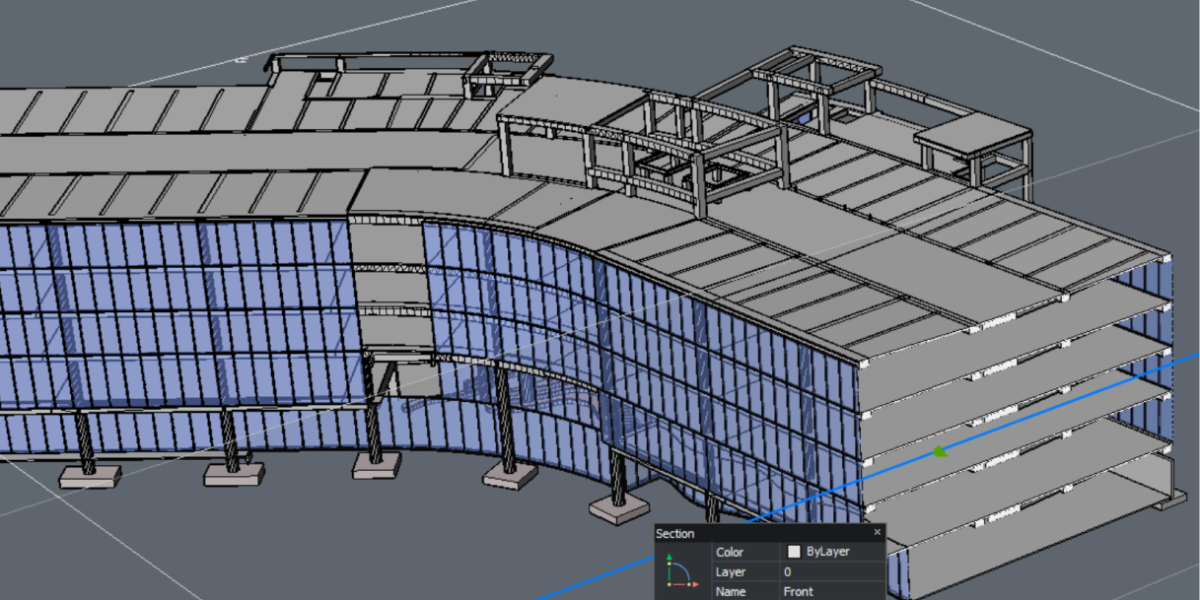
Octave BricsCAD BIM V26 sets a new standard for helping subcontractors work better together. We know that subcontractors don’t work alone, but across teams, locations, and tools. This can create gaps between team members, as well as between the files and formats they use to do their jobs. V26 closes those gaps by keeping teams and data aligned. One project

Everyone has questions when they start using a new CAD tool (or even after years of using one). Some are practical: Can I try it first? Which version do I need? Can I open DWG files? Others come up once you’re further along: How does licensing work? What does BricsCAD Maintenance include? How do updates and support work? BricsCAD FAQ
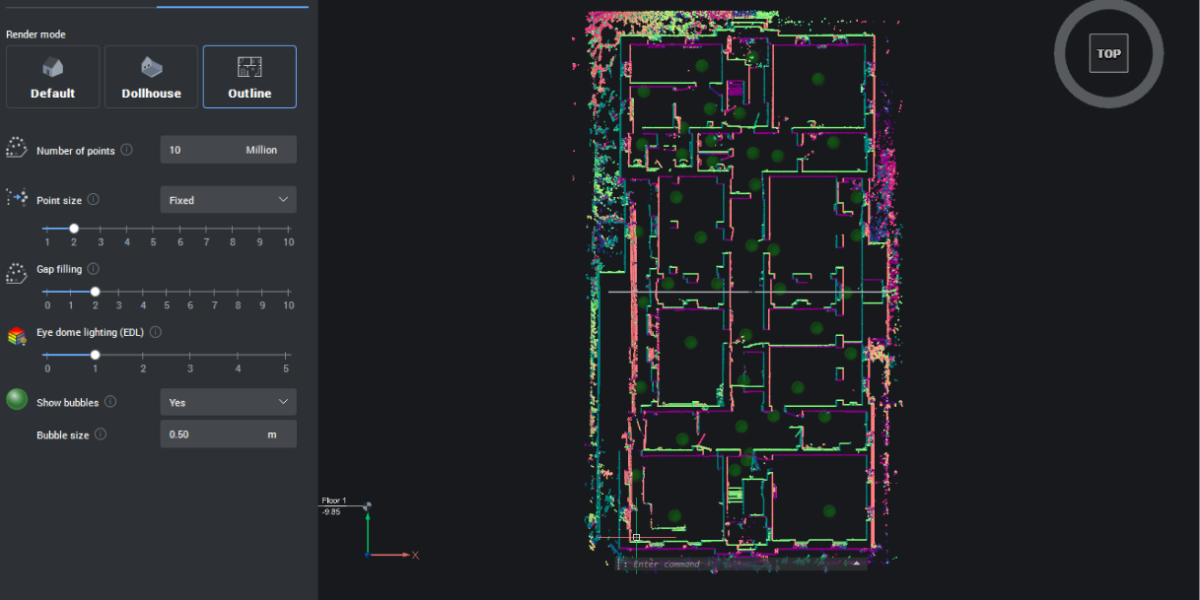
Octave BricsCAD V26 delivers 18 exclusive features that remove friction from your daily workflows, from faster 3D editing and smarter block reuse to improved point cloud handling and Open BIM alignment. These practical updates show their value by saving you clicks and time spent finding workarounds and re-creating your hard work. Fillet and chamfer for all component edges – NEW
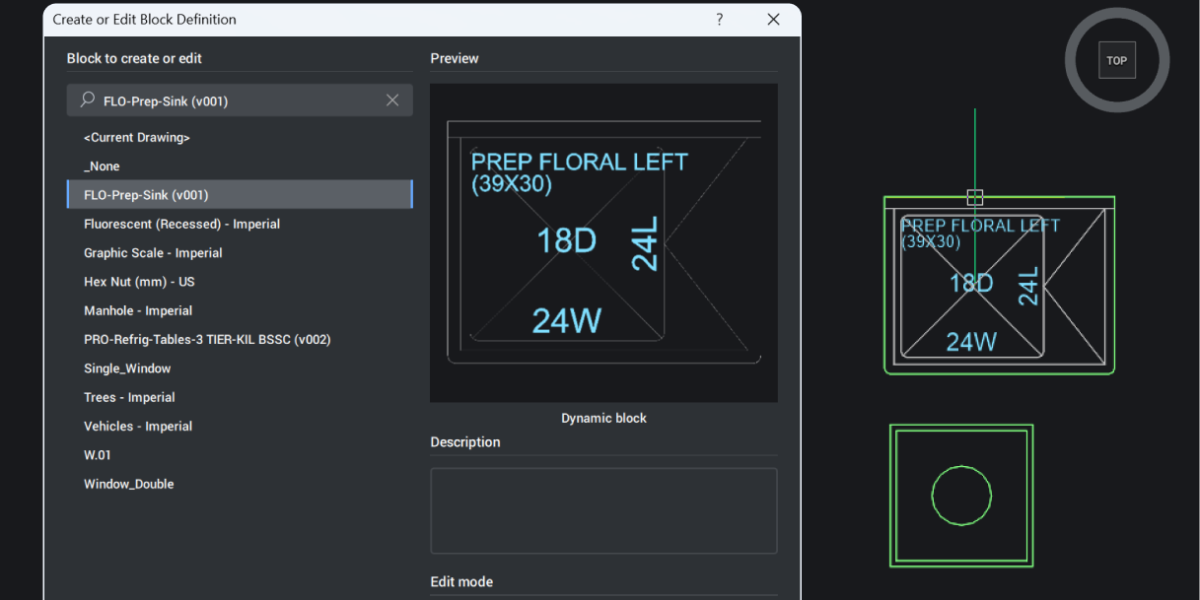
Artificial intelligence is a common topic in CAD, but too often it’s talked about in big, abstract terms. To make the topic more concrete for Octave BricsCAD users, we asked two of our in-house experts, Mark Tooley and Julie Keverian, to answer ten questions about how AI-driven tools work inside the software. From predictive commands to drawing cleanup and guided editing, they
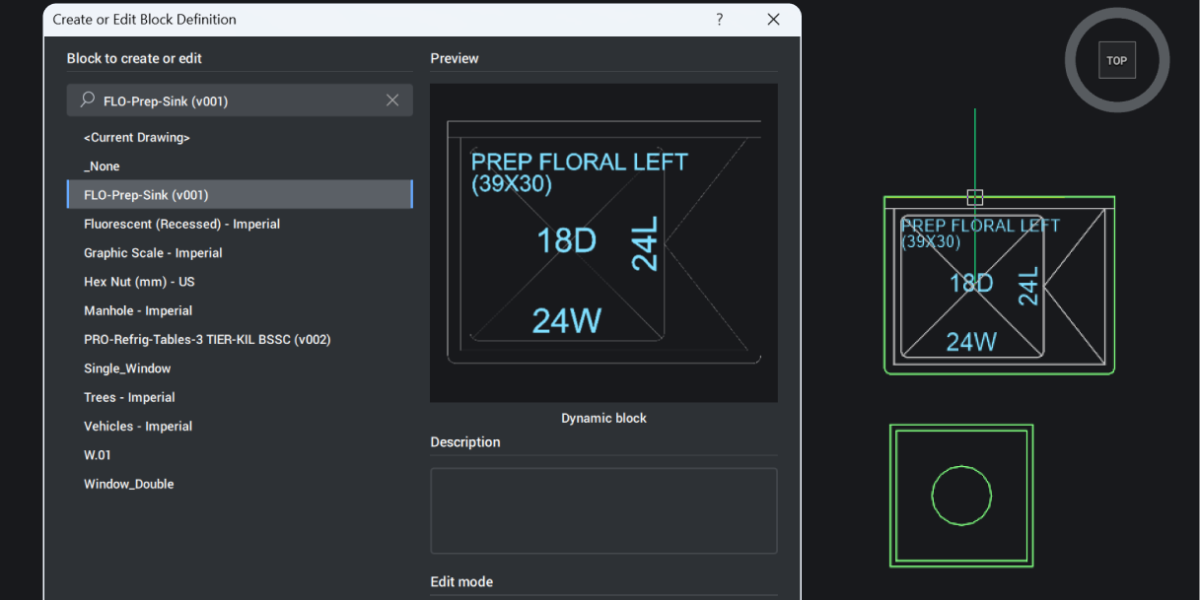
Dynamic blocks have always been a bit of a one-way street in BricsCAD. You could use them, stretch them, flip them, and switch their visibility states, but only if someone else had defined that behavior first. The moment you wanted to change the logic behind the block, you hit a wall. BricsCAD V26 removes that wall. It’s now possible to
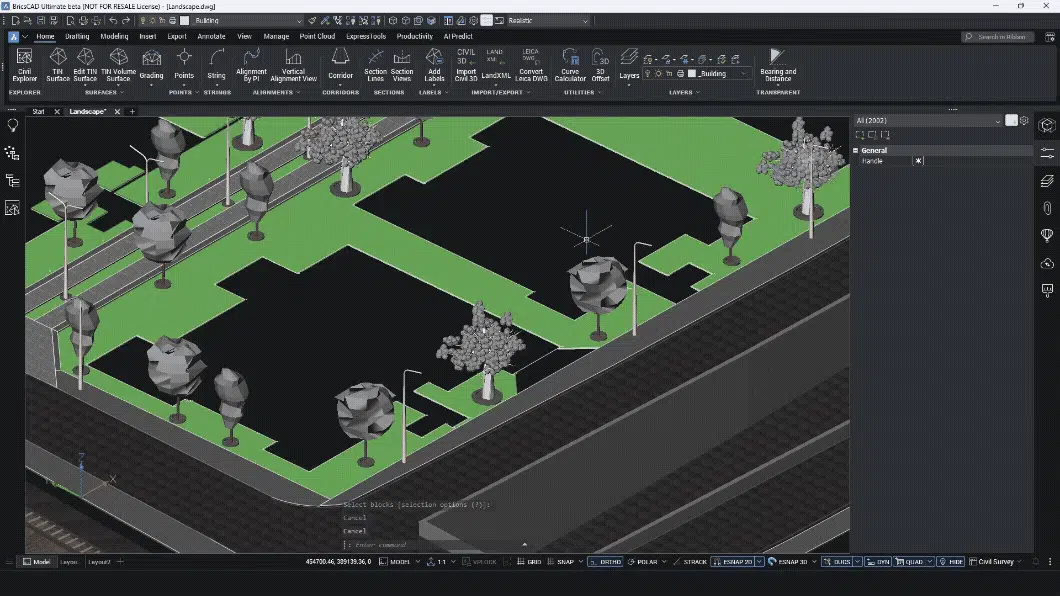
Most land surveyors do not work in one tool. You collect data in the field. You clean it somewhere else. You label it in another system. You prepare drawings in CAD. And when something changes, you repeat the process. Every handover costs time. Every export risks data loss. Every manual step creates errors. BricsCAD V26 and its Survey Toolset is designed
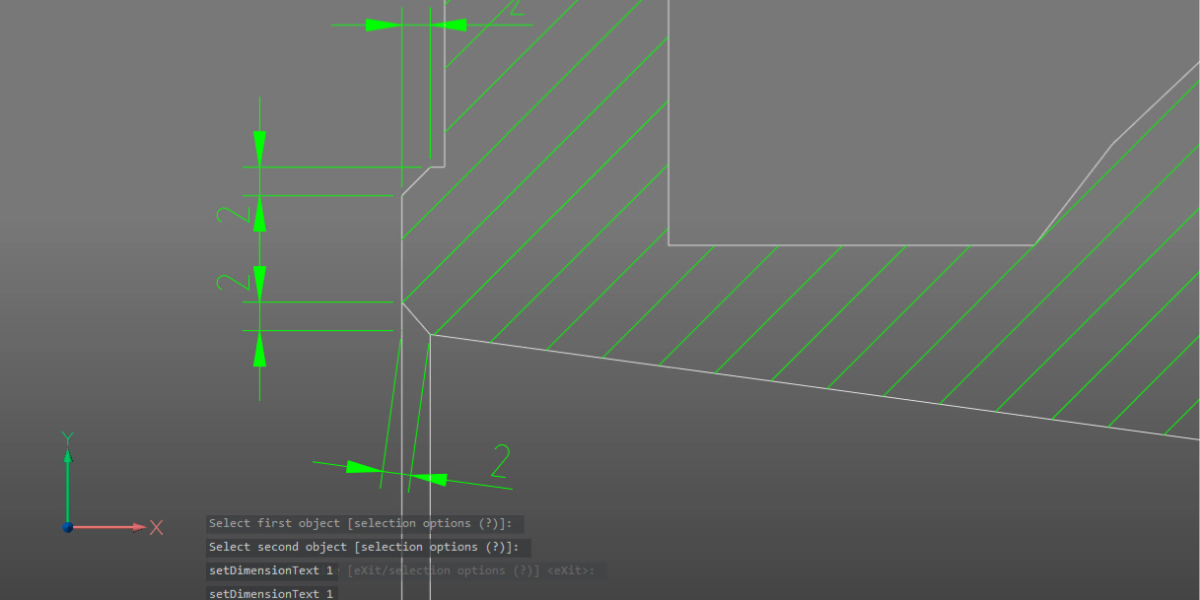
Manufacturing teams don’t struggle because they lack features. They struggle because design data doesn’t always survive the journey to production intact. Assemblies arrive from different systems. Models look correct, but behave unpredictably. Drawings can require manual cleanup that slows everything down. With the release of BricsCAD® V26, the focus is on strengthening the entire path from any design data to complete

Why IFC Matters More Than Ever As infrastructure projects grow in complexity—spanning roads, bridges, rail systems, and utilities—the need for open, interoperable data has never been greater. Building Information Modeling (BIM) is no longer just for vertical construction; it’s now a cornerstone of digital infrastructure workflows. At the heart of this transformation is IFC (Industry Foundation Classes), the open standard
You can’t design confidently if you don’t understand the ground you’re building on. BricsCAD V26 introduces new tools that make it simple to cut through your model, visualize the terrain, and keep everything dynamic as your project evolves. Let’s explore how these tools work together and how they can work for you. Cut Through the Terrain With Ease Starting with your
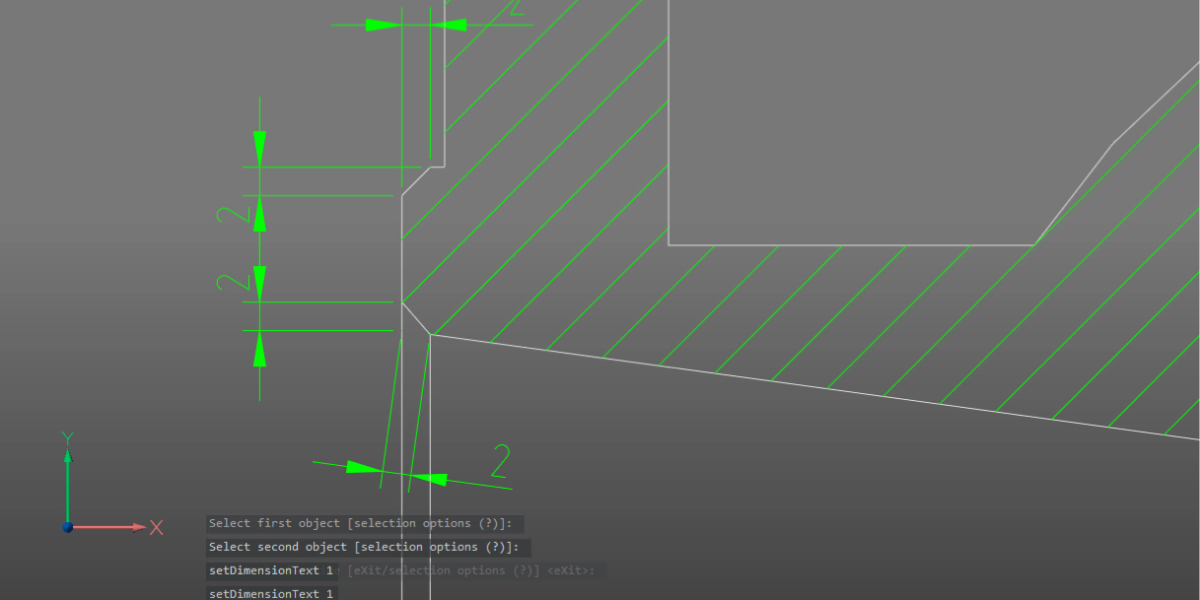
Manufacturing teams don’t struggle because they lack features. They struggle because design data doesn’t always survive the journey to production intact. Assemblies arrive from different systems. Models look correct, but behave unpredictably. Drawings can require manual cleanup that slows everything down. With the release of BricsCAD® V26, the focus is on strengthening the entire path from any design data to complete
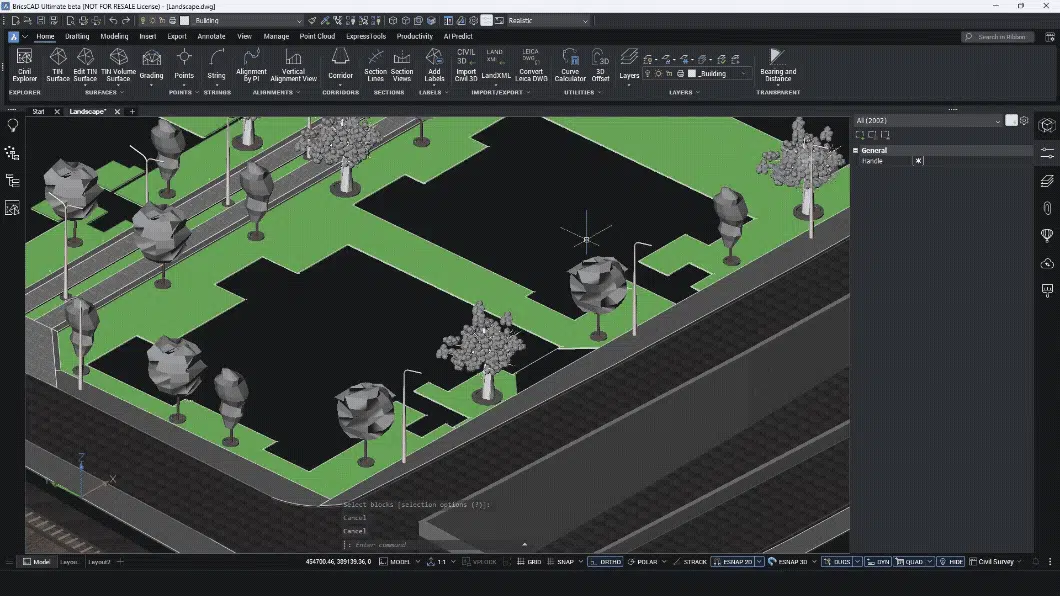
Most land surveyors do not work in one tool. You collect data in the field. You clean it somewhere else. You label it in another system. You prepare drawings in CAD. And when something changes, you repeat the process. Every handover costs time. Every export risks data loss. Every manual step creates errors. BricsCAD V26 and its Survey Toolset is designed