
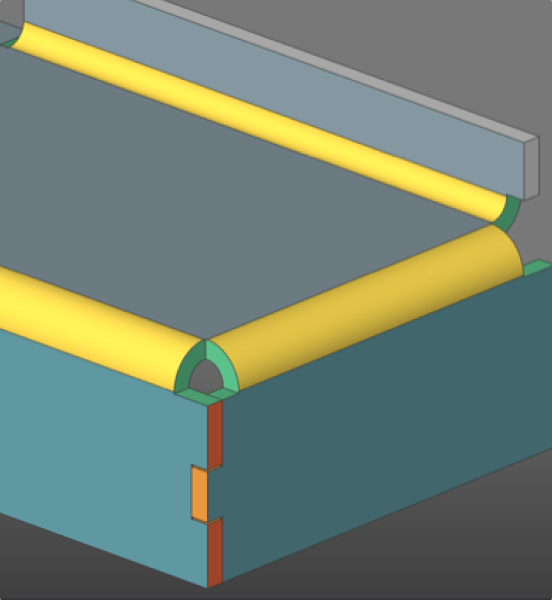
By The Octave BricsCAD Team6-3-2026 Find out how BricsCAD Mechanical helps manufacturing teams move into 3D without leaving their DWG workflows behind. Mechanical and manufacturing teams tend to run on DWG files and 2D drawings. Shifting over to an MCAD platform can mean higher costs, as well as greater complexity and disruption. BricsCAD Mechanical provides teams more capability without losing the tools
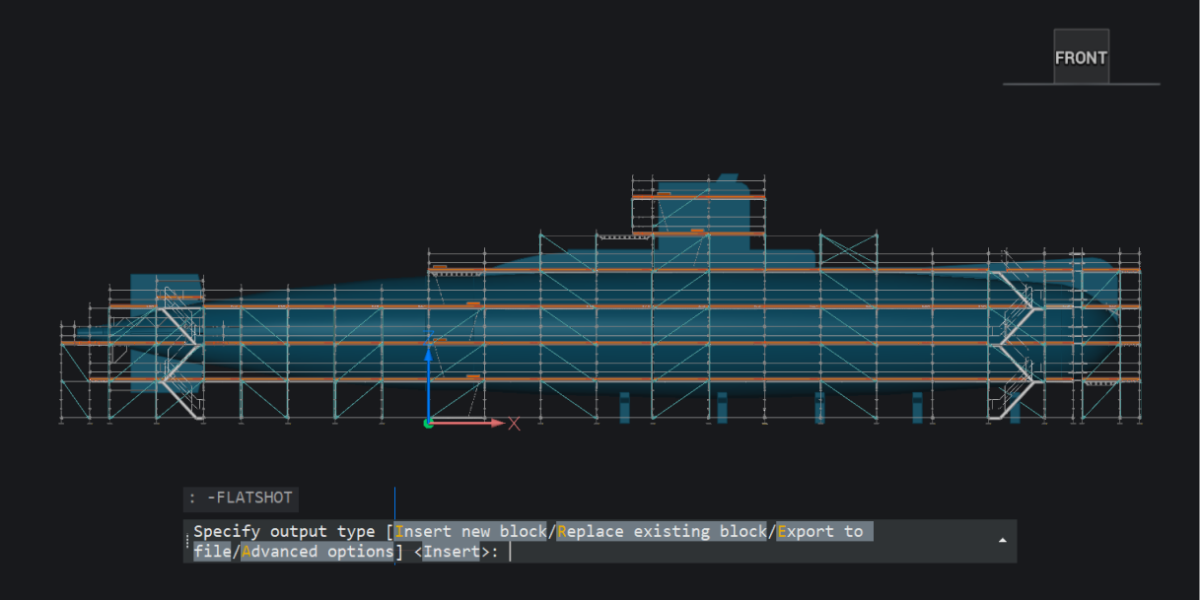
30 new and enhanced features for faster, smoother workflows across 2D, BIM, mechanical, and survey projects. With the release of BricsCAD V26.2, we introduced 30 new and enhanced features designed to improve your everyday CAD workflows. This update promises fewer repetitive steps, better access to your data, smoother interactions with the tools you already use, and more control. Whether you’re
Teams don’t always notice when their file management starts breaking down. It can happen gradually. A drawing gets copied just in case. Someone works locally to avoid conflicts. References stop updating properly. And at some point, no one is completely sure which version is the correct one. That’s often the moment when people start looking at something like ProjectWise®. But
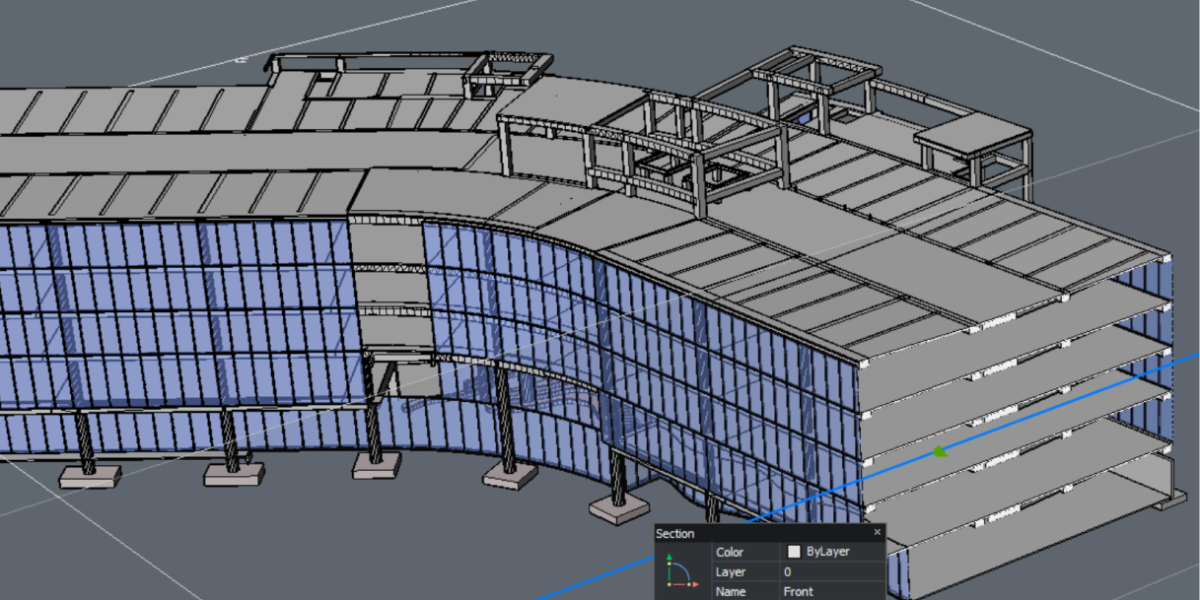
Octave BricsCAD BIM V26 sets a new standard for helping subcontractors work better together. We know that subcontractors don’t work alone, but across teams, locations, and tools. This can create gaps between team members, as well as between the files and formats they use to do their jobs. V26 closes those gaps by keeping teams and data aligned. One project

Everyone has questions when they start using a new CAD tool (or even after years of using one). Some are practical: Can I try it first? Which version do I need? Can I open DWG files? Others come up once you’re further along: How does licensing work? What does BricsCAD Maintenance include? How do updates and support work? BricsCAD FAQ
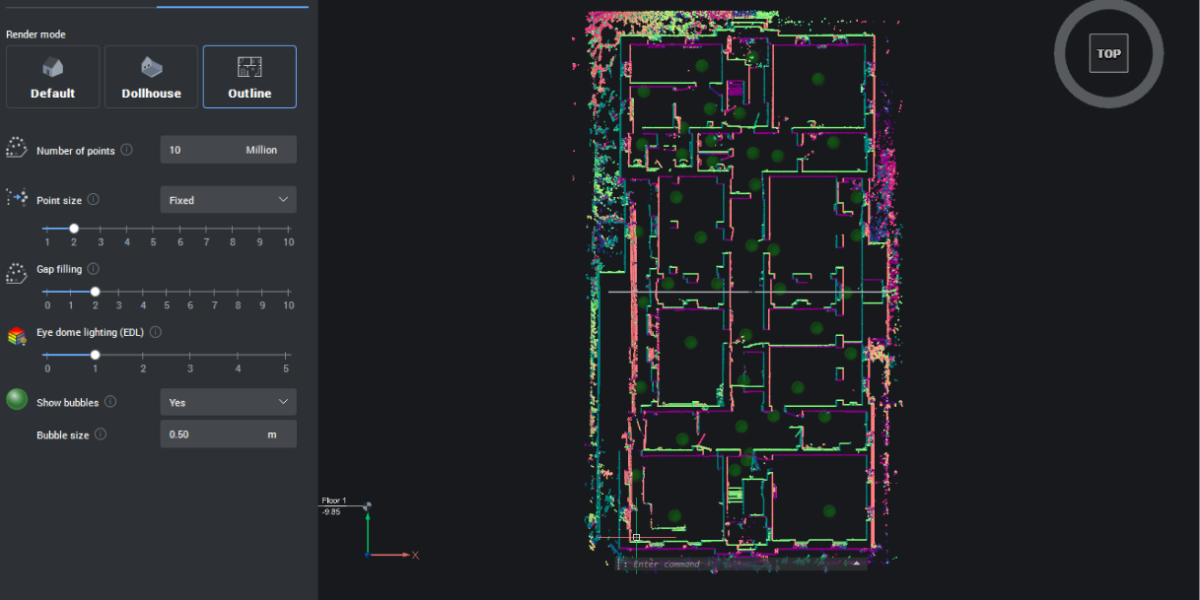
Octave BricsCAD V26 delivers 18 exclusive features that remove friction from your daily workflows, from faster 3D editing and smarter block reuse to improved point cloud handling and Open BIM alignment. These practical updates show their value by saving you clicks and time spent finding workarounds and re-creating your hard work. Fillet and chamfer for all component edges – NEW