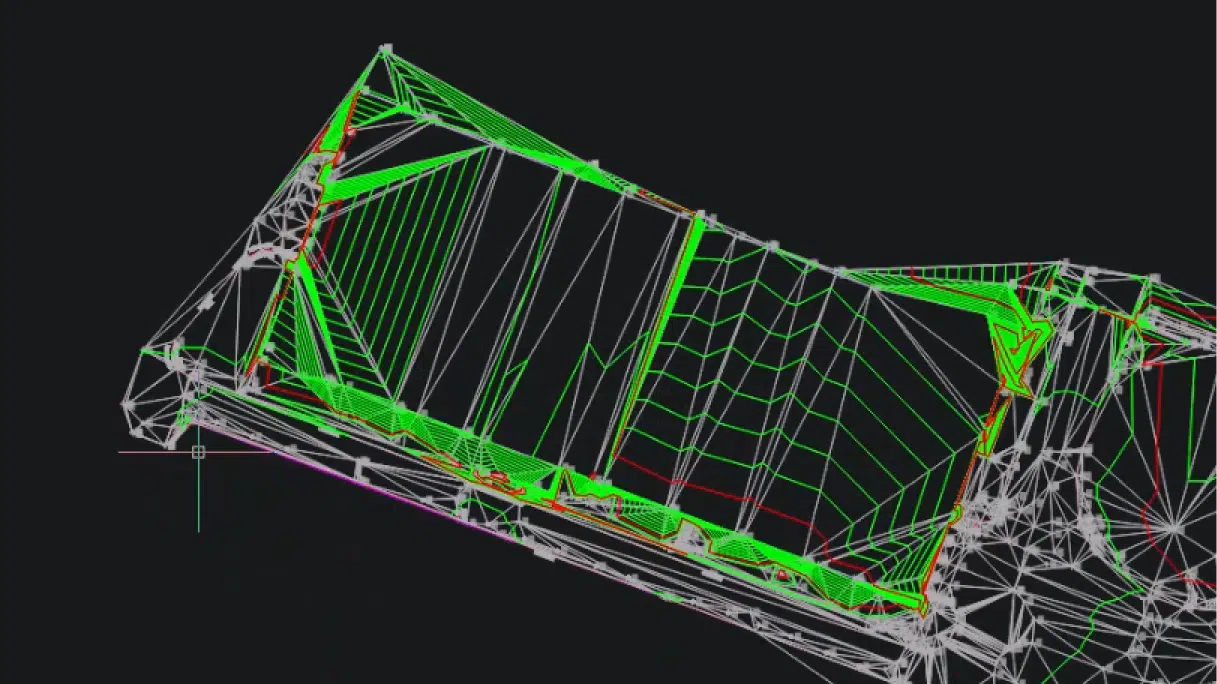
BricsCAD V26.2 includes 10 unique capabilities designed to reduce repetitive work, streamline complex tasks, and help you work more efficiently.
Earlier this year, BricsCAD V26.2 expanded on the V26 release with new and enhanced capabilities for drafting, design, modeling, surveying, and working with project data. Ten of those capabilities are unique to BricsCAD. From AI-driven assistance and faster dimensioning to point cloud feature extraction and more efficient BIM workflows, these improvements are designed to remove repetitive work and make your days more efficient.
Here’s a closer look.
BricsCAD Assist – NEW
BricsCAD Assist is an AI-driven chat panel built directly into BricsCAD. You can use it to quickly find documentation, how-to information, and guidance while you work, reducing the need to stop and search elsewhere for answers.
Leica Infinity integration – ENHANCED
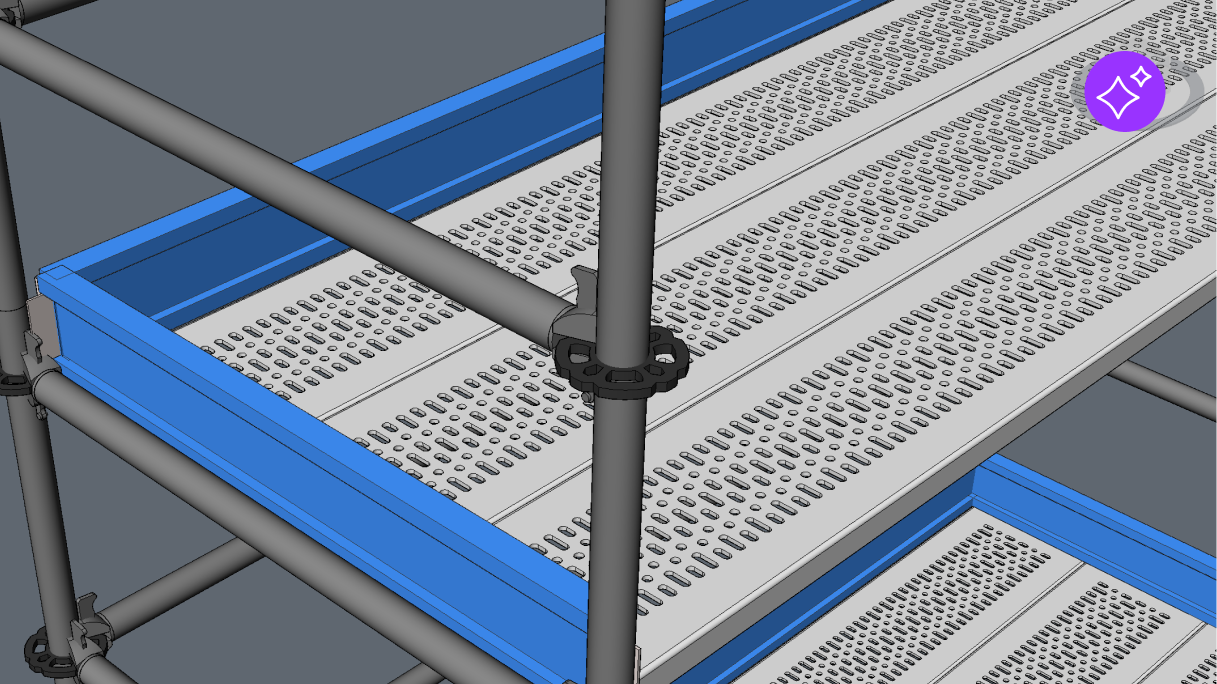
Connect BricsCAD directly with Leica Infinity surveying software using the LEICACONNECTOR command. The live connection makes it easier to move between survey data and CAD workflows, helping survey professionals move survey data into CAD workflows without relying on additional manual transfer steps.
Linear feature detection – NEW
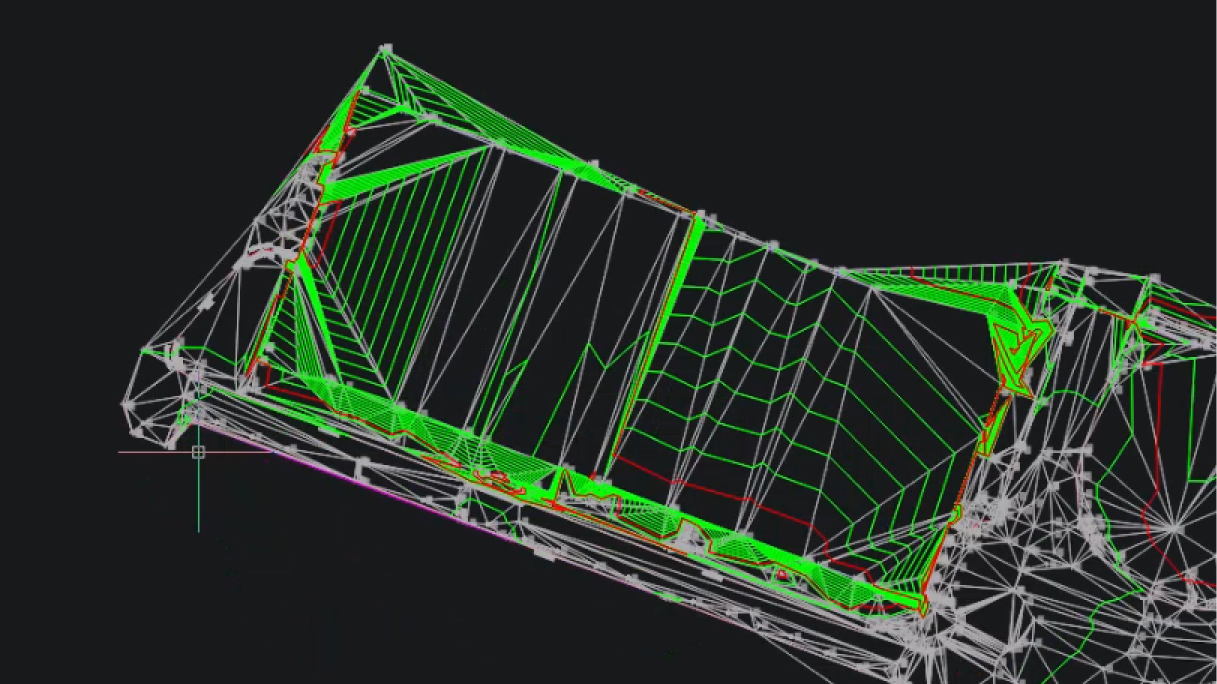
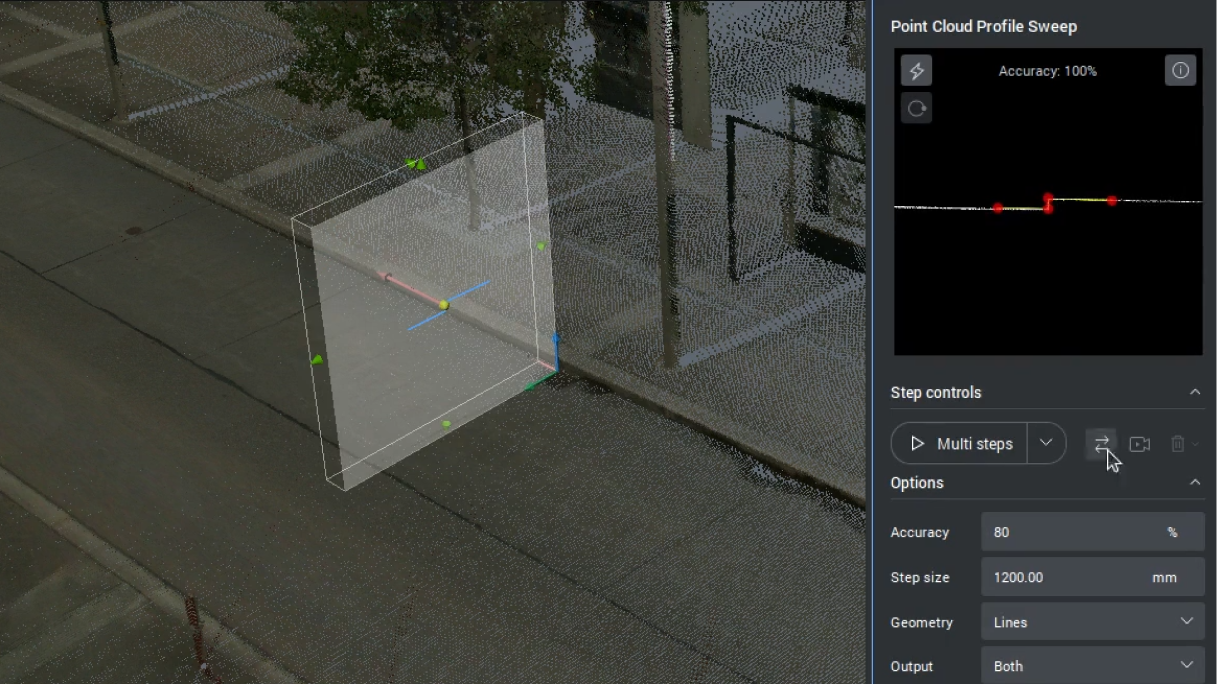
Linear feature detection identifies linear features within a point cloud and can create lines, polylines, civil strings, or surfaces from the detected geometry. This helps speed up the process of moving from captured site data to editable CAD information.
QDIM Advanced mode to reduce dimensioning time – ENHANCED
QDIM Advanced adds multi-directional chained dimensions together with level-of-detail and live preview options. Instead of placing dimension lines individually, you can generate multiple dimensions at once and refine the result before placement with this AI-driven tool.
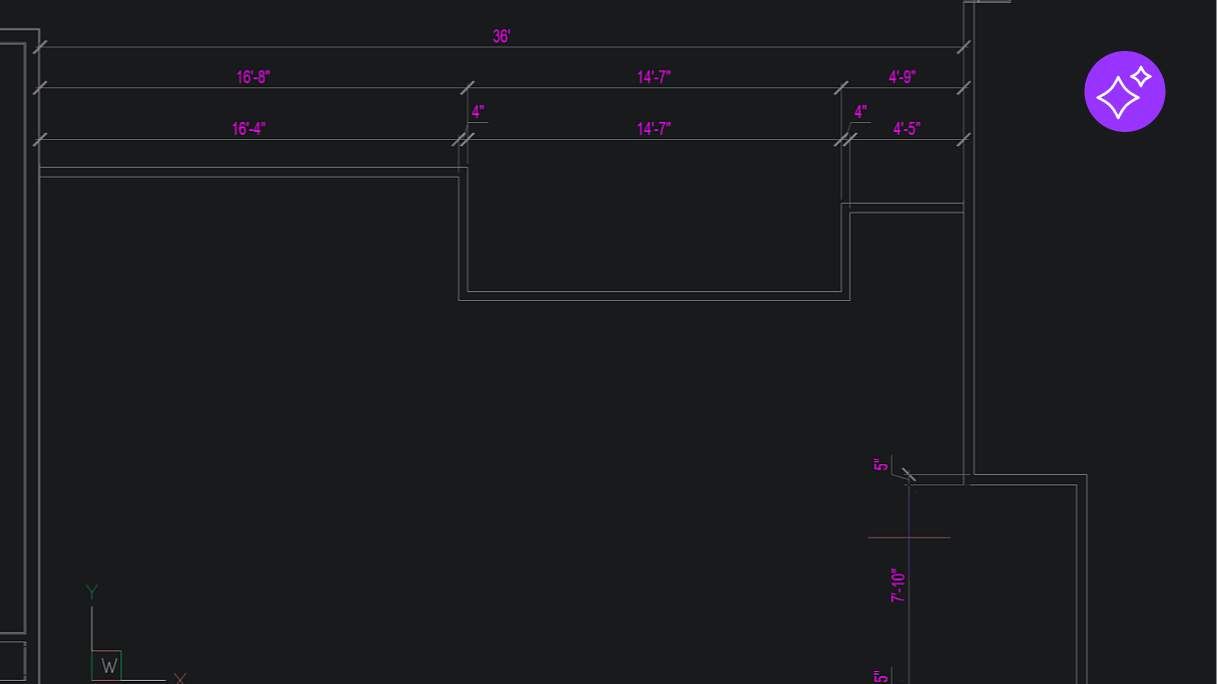
Notification to improve drawing health – NEW
The Health Advisor runs in the background and identifies potential improvements within a drawing. When it finds something that could be optimized, BricsCAD can provide a notification and recommendation, helping you address drawing health before they affect the drawing more broadly.
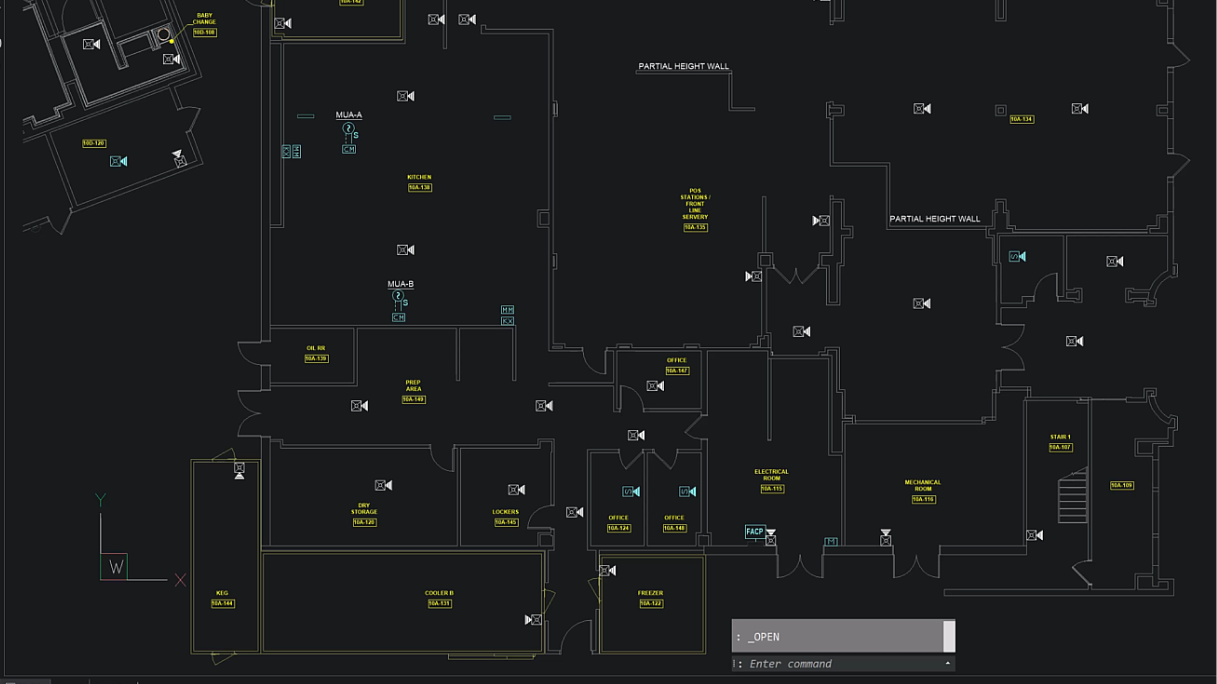
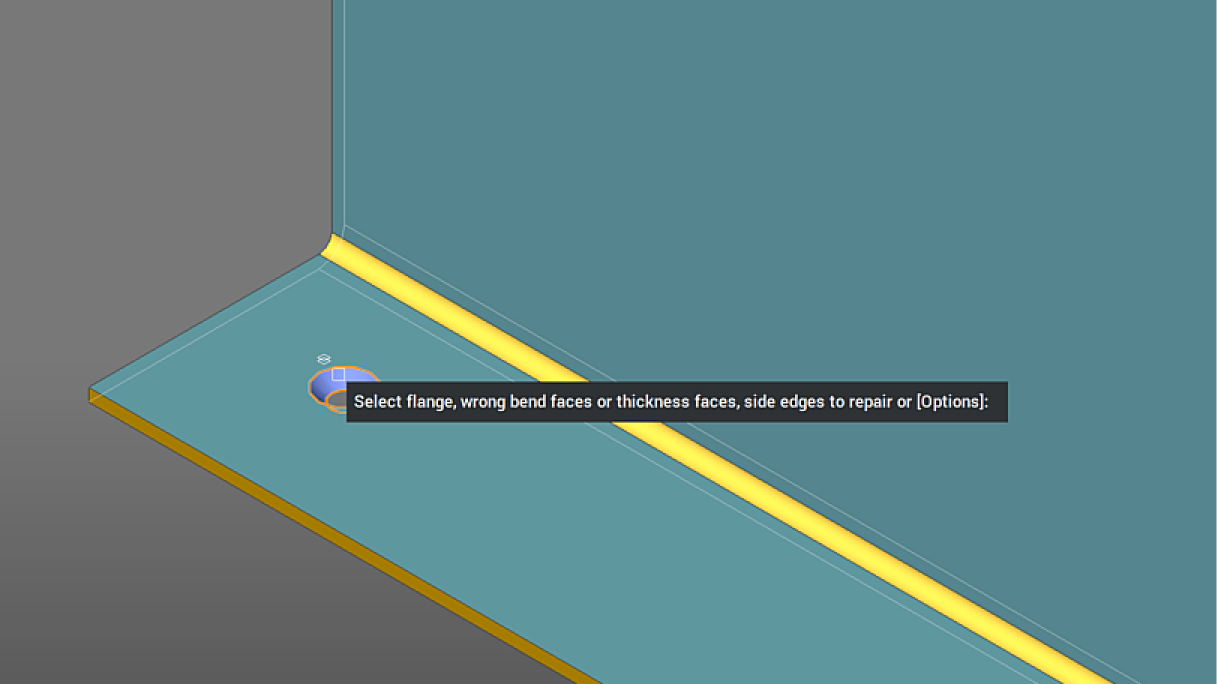
Local sheet metal repair for targeted fixes – ENHANCED
With SMREPAIR, you can select individual form features for repair. This gives mechanical designers more targeted control when correcting sheet metal geometry and helps maintain model integrity.
BIM data retention across Level of Detail – ENHANCED
Match Properties can copy BIM properties between elements across different levels of detail. This helps preserve important project data as geometry changes from early design through more detailed project stages.
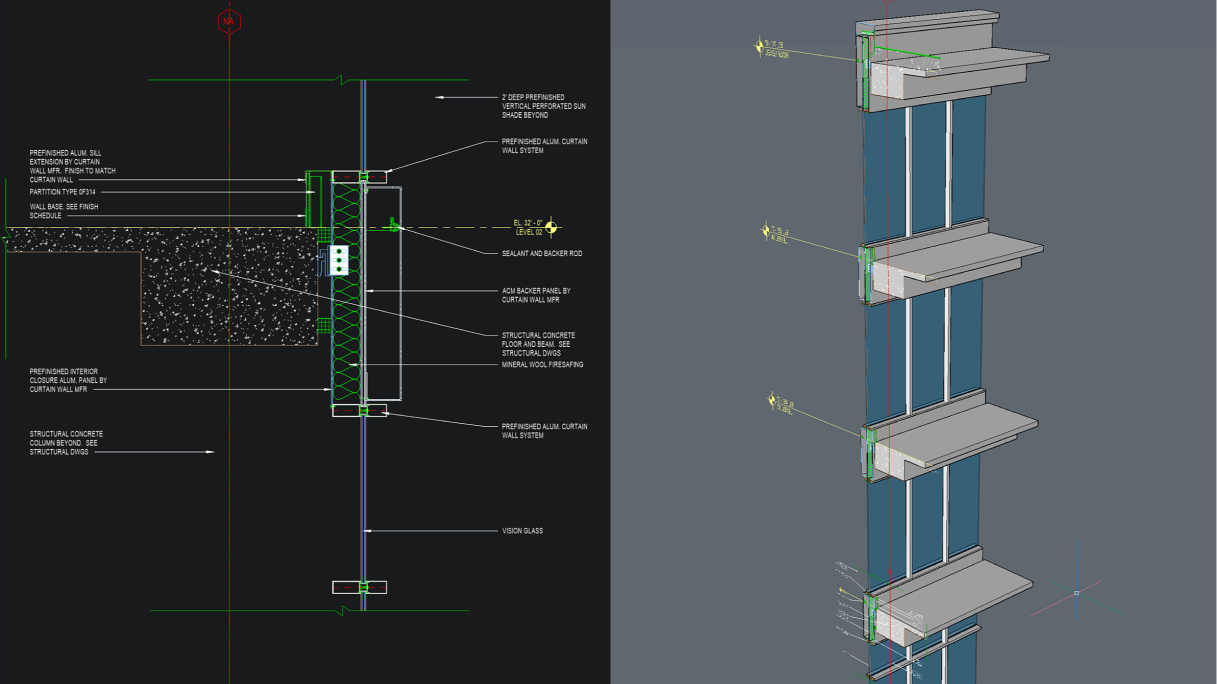
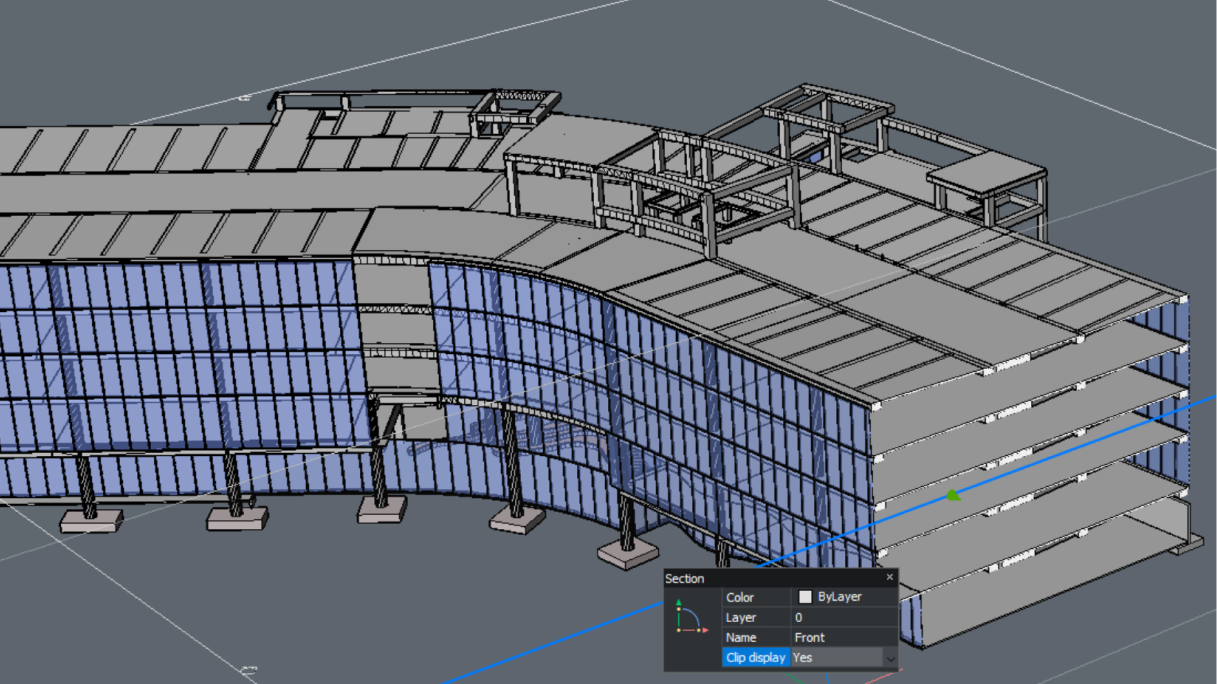
Faster performance for BIM sections – ENHANCED
V26.2 improves the performance of BIM sections, reducing the time needed to produce accurate construction details.
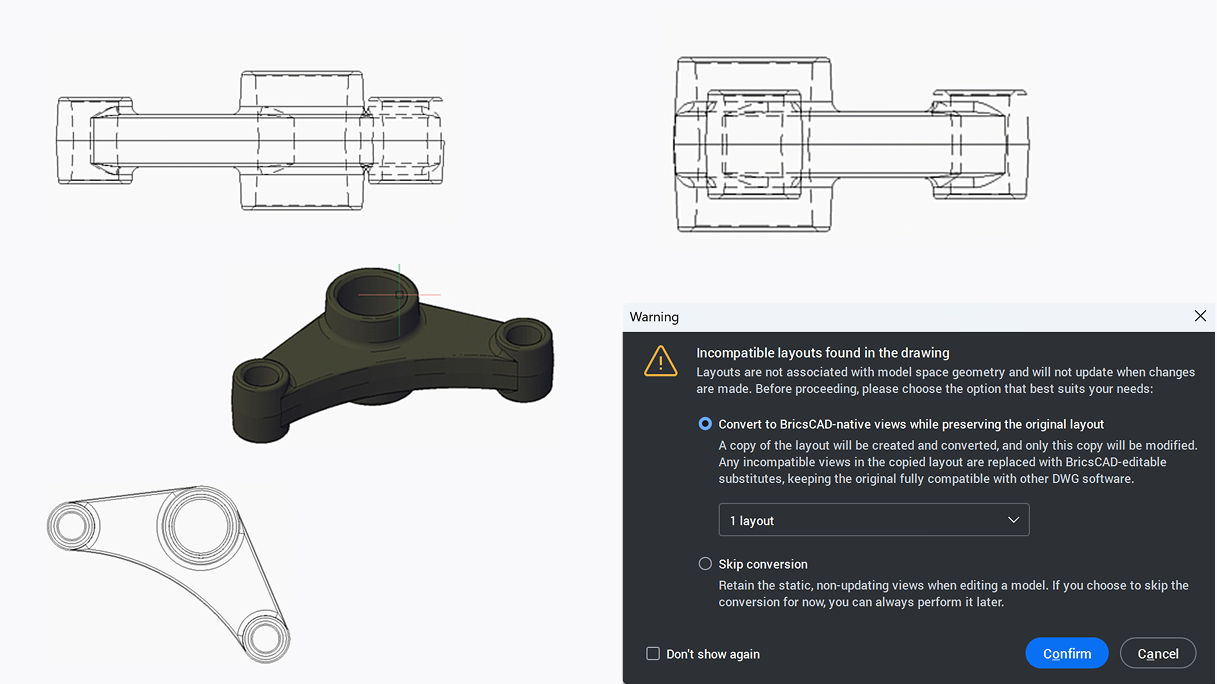
Drawing views conversion for easier reuse – EXPERIMENTAL
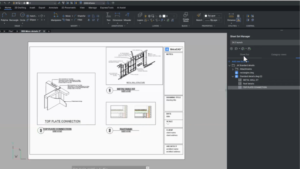
The experimental Drawing Views Conversion capability copies existing layouts and converts them into a format supported by BricsCAD. This can make it easier to bring existing documentation into BricsCAD workflows rather than rebuilding layouts manually.
IFC export dialog box – NEW
The IFC export dialog provides a dedicated interface for reviewing geometry and data before export. Filters, user profiles, and additional settings make it easier to control what leaves the model and create an IFC file that meets project requirements.
More ways to work efficiently in BricsCAD
BricsCAD V26.2 built on the V26 release with another round of improvements across our product portfolio. These 10 unique capabilities are designed for different workflows, but share the same goals: reducing unnecessary steps to make project information easier to manage and helping you move more efficiently from design data to usable output.
Explore everything in BricsCAD V26.2
These unique capabilities are only part of what arrived with Octave BricsCAD V26.2. The release also introduced new integrations, Dynamic Block improvements, expanded Mechanical DWG support, new survey capabilities, and enhancements across drafting, BIM, and mechanical workflows.
Try BricsCAD V26 for Free
You can explore every new feature for yourself with a free 30-day trial. Get BricsCAD V26 now.
Choosing BricsCAD for your team? As India’s authorized distributor, we provide genuine licenses, priority support, and transparent pricing. Write to hello@exceldesigntechnologies.com or click here to connect with us.