
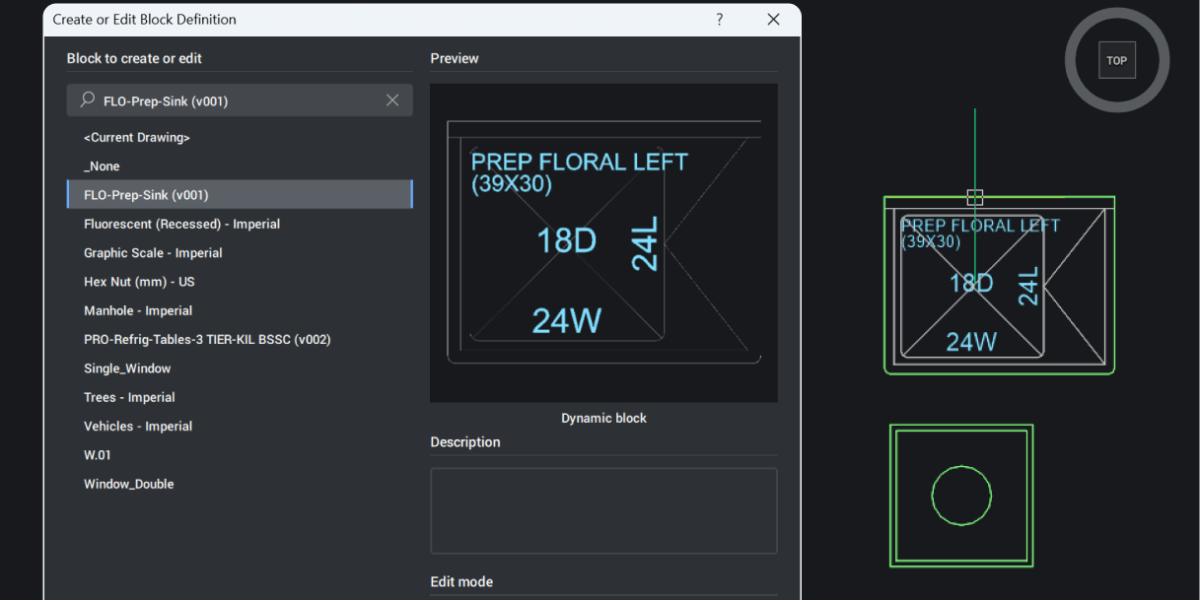
Dynamic blocks have always been a bit of a one-way street in BricsCAD. You could use them, stretch them, flip them, and switch their visibility states, but only if someone else had defined that behavior first. The moment you wanted to change the logic behind the block, you hit a wall. BricsCAD V26 removes that wall. It’s now possible to
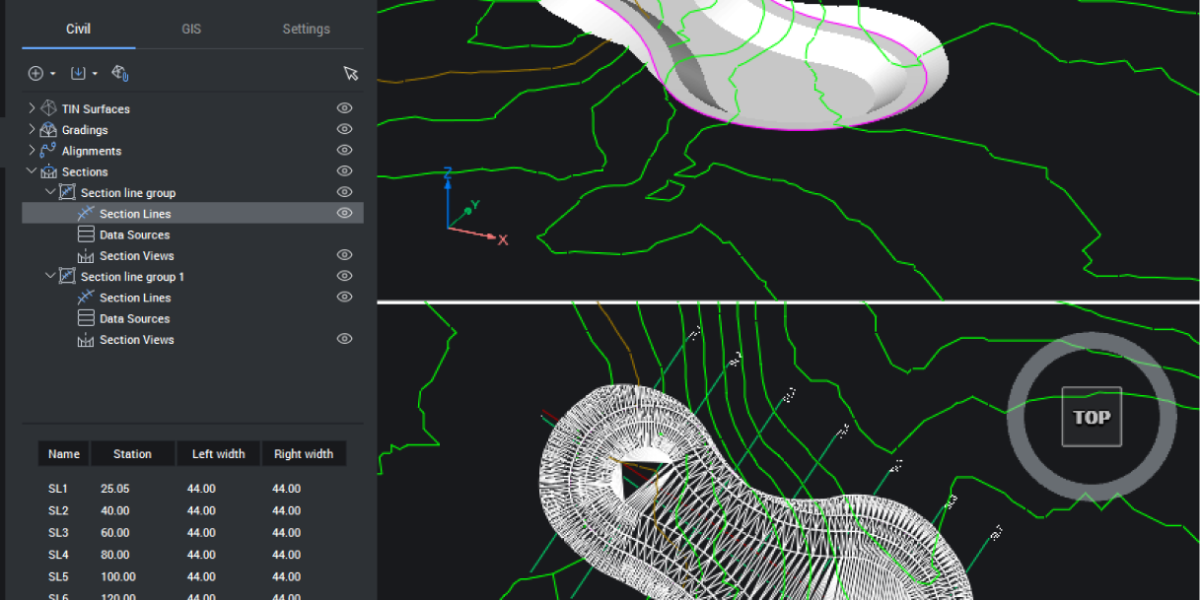
You can’t design confidently if you don’t understand the ground you’re building on. BricsCAD V26 introduces new tools that make it simple to cut through your model, visualize the terrain, and keep everything dynamic as your project evolves. Let’s explore how these tools work together and how they can work for you. Cut Through the Terrain With Ease Starting with your

Why IFC Matters More Than Ever As infrastructure projects grow in complexity—spanning roads, bridges, rail systems, and utilities—the need for open, interoperable data has never been greater. Building Information Modeling (BIM) is no longer just for vertical construction; it’s now a cornerstone of digital infrastructure workflows. At the heart of this transformation is IFC (Industry Foundation Classes), the open standard