BricsCAD V26.2 includes 10 unique capabilities designed to reduce repetitive work, streamline complex tasks, and help you work more efficiently.Earlier
Learn how to import, process, explore, and model point cloud data in BricsCAD A point cloud captures a significant amount
BIM adoption no longer has to be a bet-the-business decision. Octave BricsCAD's BIM toolset lets firms meet BIM mandates on
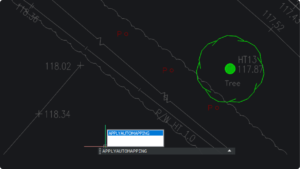
Octave BricsCAD V26 introduces several upgrades that streamline everyday 2D drafting, enabling you to complete drawings more efficiently BricsCAD V26
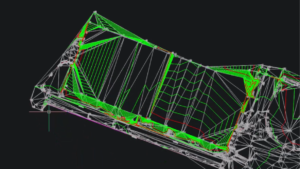
Octave BricsCAD's land surveying tools take survey teams from raw field data to finished, standards-based drawings without leaving DWG. Survey
By The Octave BricsCAD Team6-3-2026 Find out how BricsCAD Mechanical helps manufacturing teams move into 3D without leaving their DWG
30 new and enhanced features for faster, smoother workflows across 2D, BIM, mechanical, and survey projects. With the release of
Teams don’t always notice when their file management starts breaking down. It can happen gradually. A drawing gets copied just
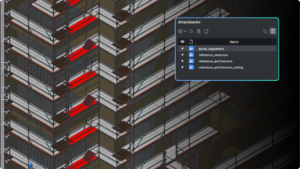
Octave BricsCAD BIM V26 sets a new standard for helping subcontractors work better together. We know that subcontractors don’t work
Everyone has questions when they start using a new CAD tool (or even after years of using one). Some are
Octave BricsCAD V26 delivers 18 exclusive features that remove friction from your daily workflows, from faster 3D editing and smarter
Artificial intelligence is a common topic in CAD, but too often it’s talked about in big, abstract terms. To make